Find the clip, keep your flow
Open history with ⌘⇧V. Search with fuzzy, exact or regular-expression matching, move with the arrow keys and paste with Return.
 Copybara
Native clipboard manager for macOS
Your clipboard has more than one useful thing in it.
Copybara remembers text, images, formatted text and files. Open your history, search, and press Return to paste into the app you were using.
Free direct download · macOS 12 or later · No account required
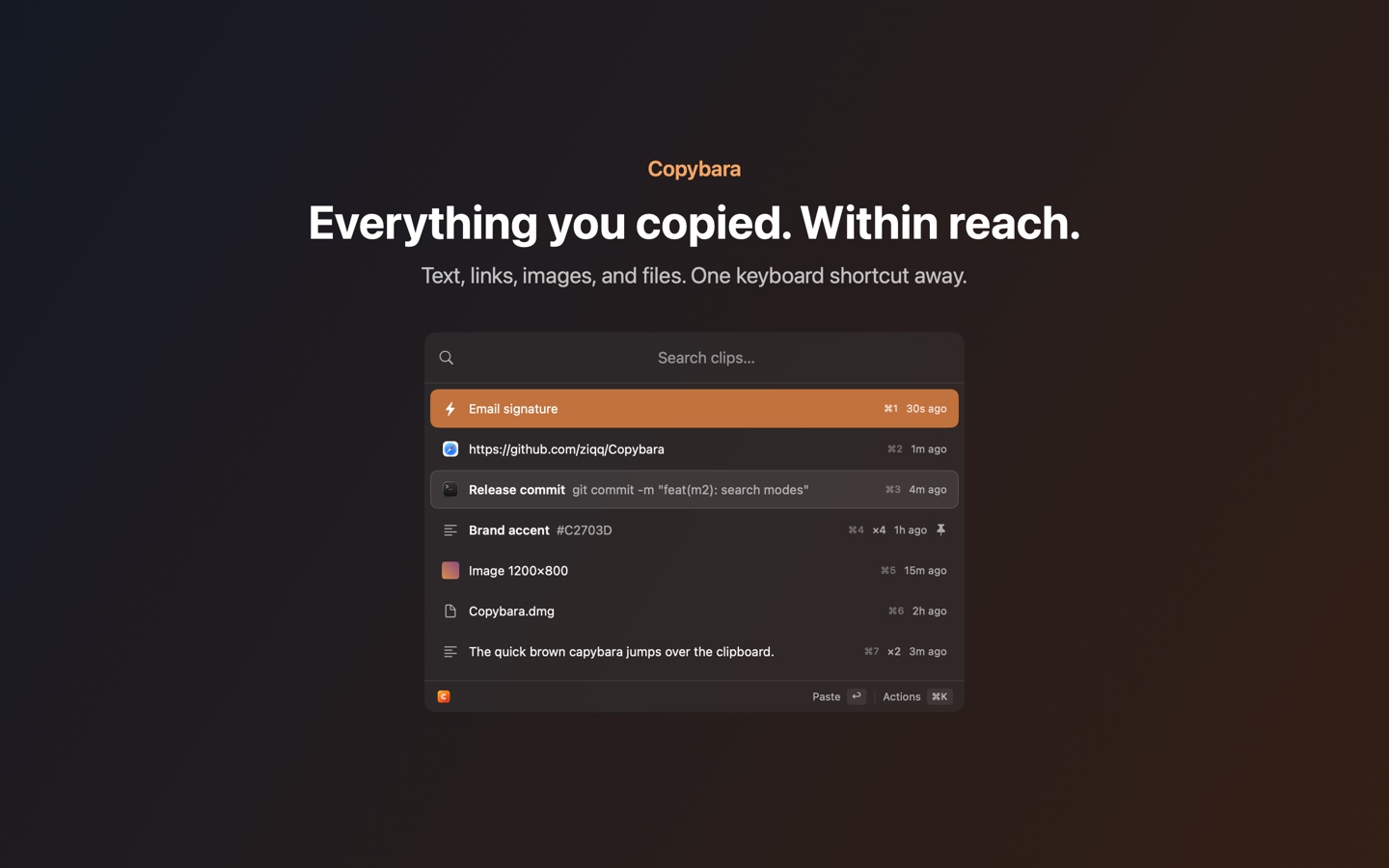
Open history with ⌘⇧V. Search with fuzzy, exact or regular-expression matching, move with the arrow keys and paste with Return.
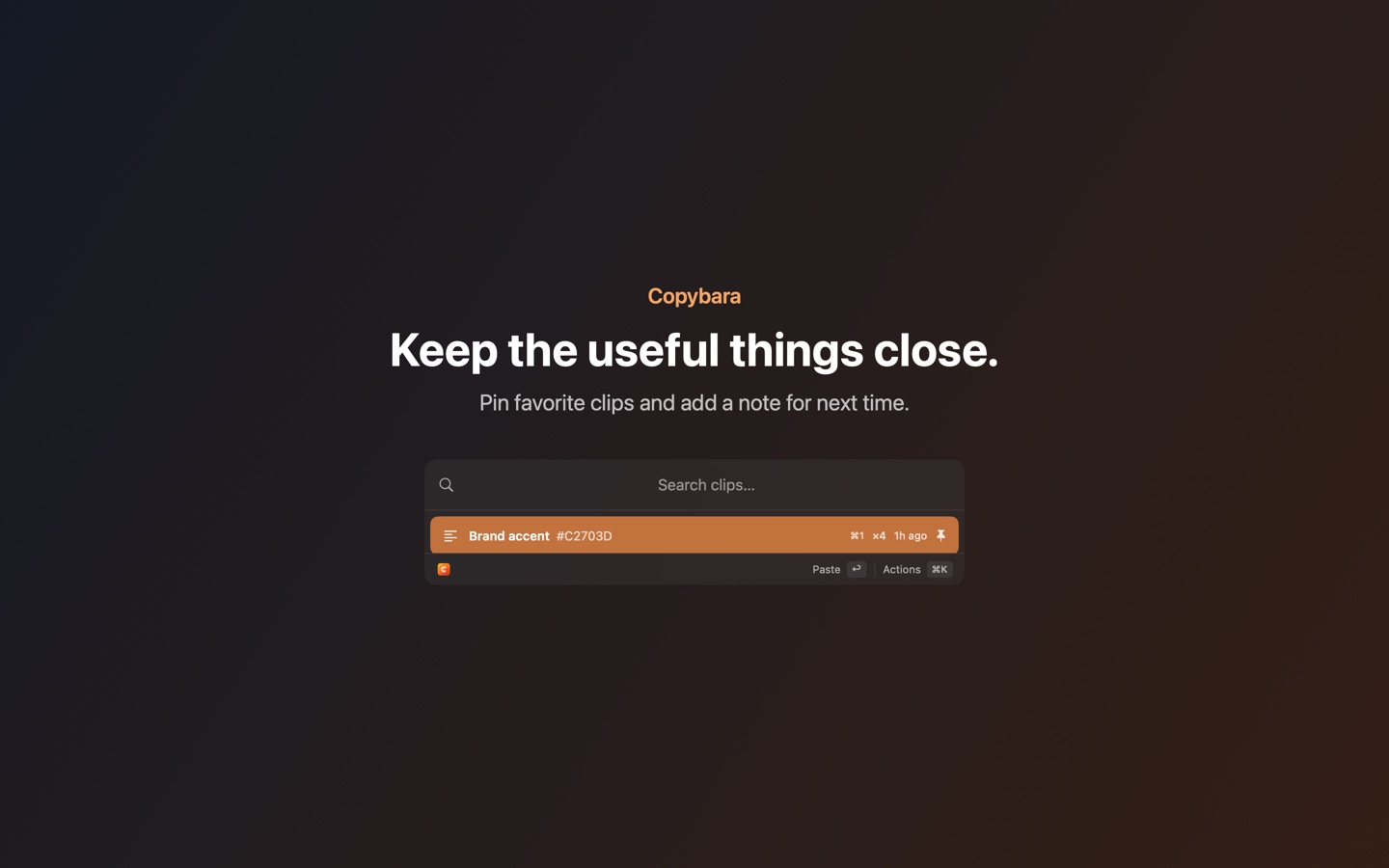
Keep text, images, rich text and file references. Pin useful entries, add searchable comments and paste without formatting when you need to.
History is stored on your Mac. No account, cloud sync, advertising or analytics. Recognized password and transient clipboard types are filtered out.
Copybara sits in the menu bar and keeps eligible clipboard entries in a local history.
Find an older clip with search or the arrow keys. Keep frequent clips pinned so they are easy to reach.
Copybara brings you back to the previous app and pastes the selected clip. Allow Accessibility when prompted to enable automatic pasting.
Pin frequent clips, label them with comments and use the keyboard to bring them back. Reusable snippets keep the text you type again and again within reach.
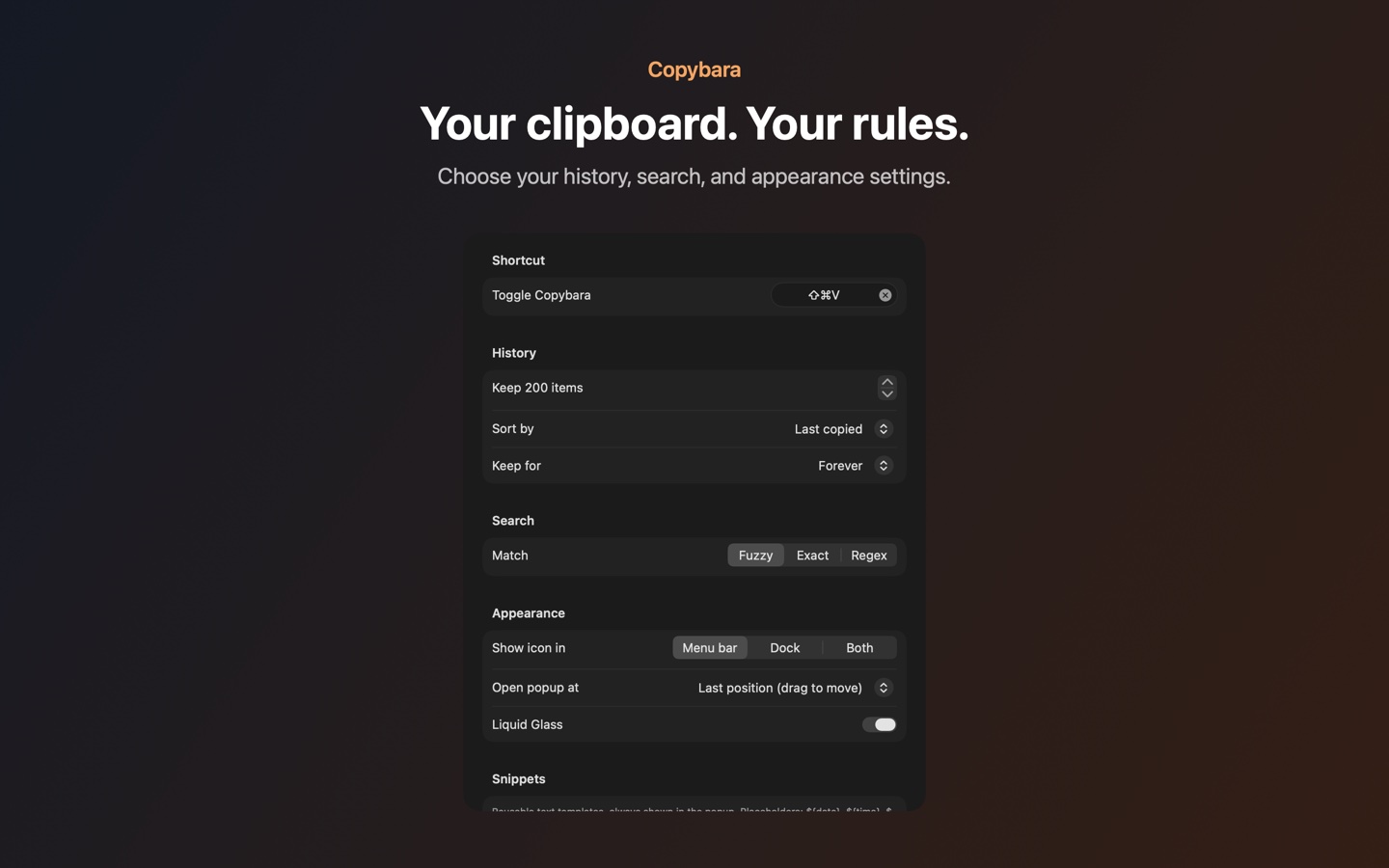
Choose how much history to keep, your search mode, the popup position and where the app icon appears. Launch at login is optional on macOS 13 or later.
Local by design
Your history and snippets stay in local application storage. Copybara does not upload clipboard contents, use analytics or require a sign-in.
Accessibility is used to send the paste shortcut. Copybara does not use it to read screen contents. The direct-download build checks for updates through GitHub when you ask it to; updates are verified by Sparkle.
Read the privacy policyReport a problem or suggest an improvement on GitHub. For a private support request, contact the developer by email.
Include your macOS and Copybara versions. Remove passwords and other private clipboard contents from logs and screenshots.